
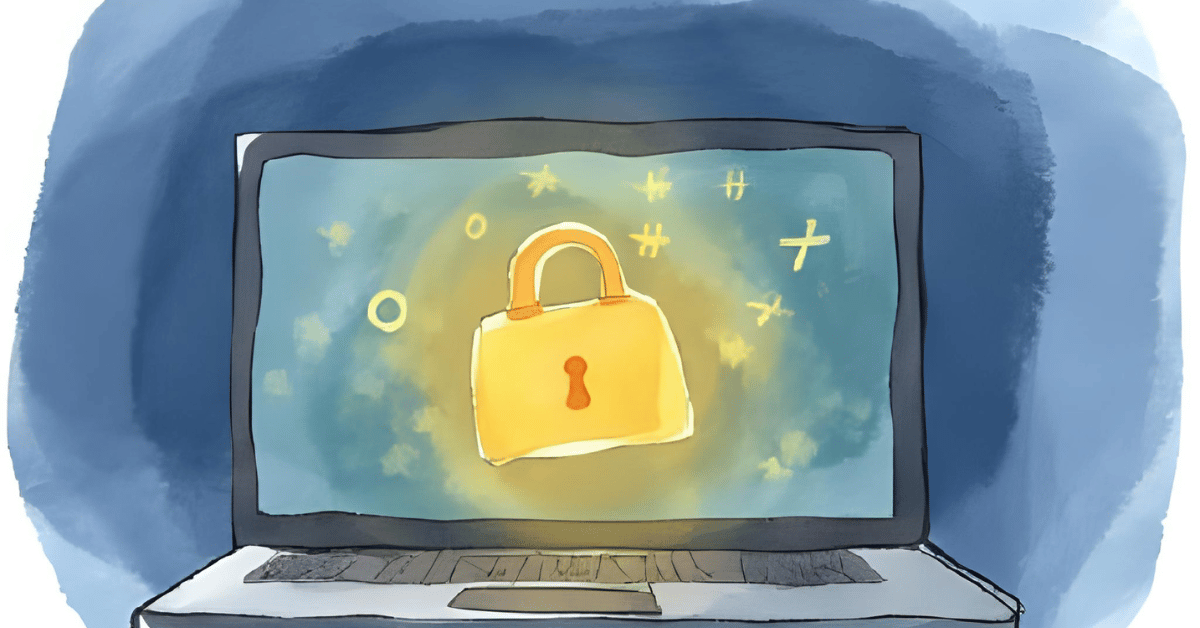
Day 28 of 100 Days Coding Challenge: Python
I’ve always kept a journal—both digital and analog. In fact, I still scribble in a notebook with a pen, even though my handwriting is the kind of cryptic mess that could double as a CAPTCHA test. But I’m oddly comforted by the idea that if someone tried to read it, they’d either go blind or start decoding it like a Cold War cipher. That said, I still remember the sheer horror of a sibling (yes, the nosy one) reading my diary out. Since then, I’ve had a deeply personal vendetta against unsecured journaling. So, I finally did it: I built my own diary app—with encryption. No prying eyes. No traumatic readings. Just me, my thoughts, and a very tight password.
Today’s Motivation / Challenge
Journaling is personal. Like, really personal. Whether you’re logging your feelings, goals, or that weird dream you had about sentient laundry, it deserves privacy. I wanted to make a journal that felt like a digital vault—simple to use, but impossible to crack without the key. And since I’m also practicing my GUI skills, I figured, why not make it look nice while I’m at it?
Purpose of the Code (Object)
This app is a private digital diary. You can write journal entries, save them securely, and read them later—only if you enter the correct password. It uses encryption to make sure no one but you can read what you’ve written, and it now includes automatic timestamps so you can look back and see exactly when you had that existential crisis.
AI Prompt:
Build a GUI-based personal diary app in Python that encrypts each entry using a password-based key. Include timestamped entries and secure storage using the cryptography library. Use tkinter for the interface.
Functions & Features
- Password-protected access
- Add new diary entries
- View previously written entries
- Each entry automatically includes a timestamp
- Clean, scrollable GUI built with Tkinter
Requirements / Setup
To run this app, you’ll need:
pip install cryptography
Python version: 3.8 or higher recommended
Minimal Code Sample
timestamp = datetime.now().strftime(“%Y-%m-%d %H:%M:%S”)
full_entry = f”[{timestamp}]\n{entry}”
encrypted = cipher.encrypt(full_entry.encode())
This adds a timestamp to your diary entry and encrypts it before saving.
Notes / Lessons Learned
With the help of an AI prompt, building this script was surprisingly smooth—until I hit my first “I forgot to install the cryptography library” moment. Classic. Then came the part where the program asked me to set a password, but nothing appeared on screen. For a split second, I thought my keyboard had staged a walkout. Turns out, the password input was just being ultra-stealthy—so stealthy that I couldn’t see what I typed. But hey, that’s security. If you mess up your password confirmation, it makes you do it all over again. Fair enough.
Later, I decided to ditch the command line and build a GUI version. Because honestly, clicking buttons is more satisfying than typing commands, especially when you’re just trying to jot down how your day went. And I added timestamps—because every journaling tool I love (Notion, Obsidian) includes them, and they make going back in time feel like digital archaeology.
Honestly, if I’d had this kind of encrypted diary app when I was a teenager, I probably would’ve written about a hundred volumes of emotional drama—and no one would’ve ever been able to decode my secret crushes.
Optional Ideas for Expansion
- Add a “Search by date” function
- Export selected entries to a readable .txt file
- Add light/dark mode toggle for late-night journaling vibes