
Day 77 of 100 Days Coding Challenge: Python
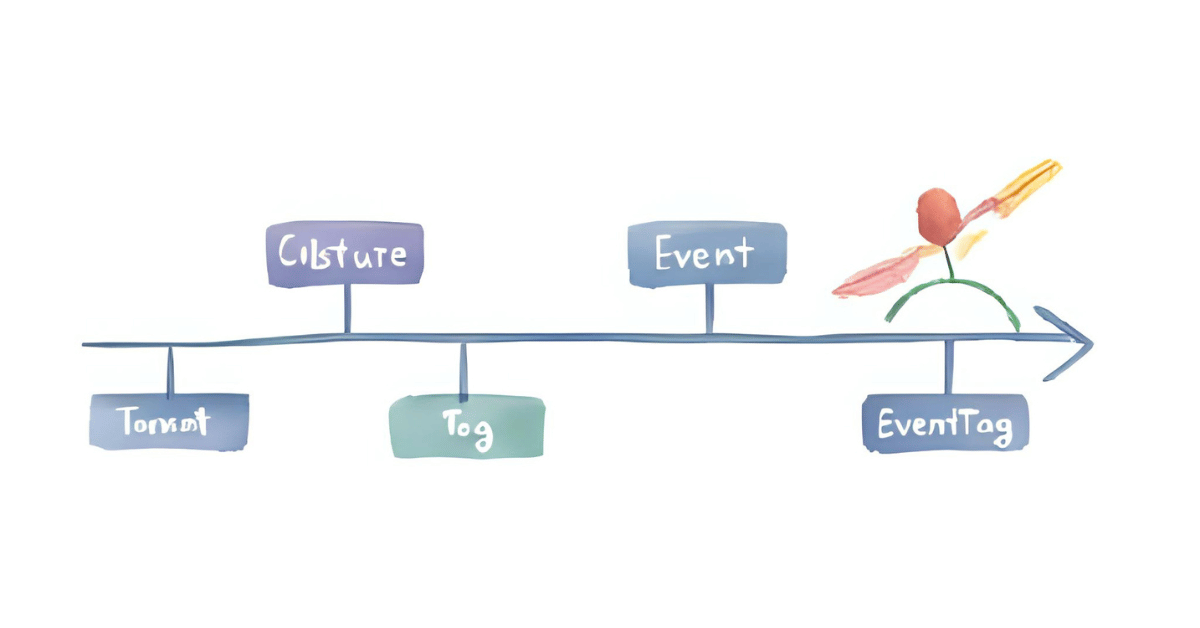
Today I put down the party streamers and picked up a blueprint. The job: lay the foundation for my Civilization Timeline app. On the menu were four tables—Civilization, Event, Tag, and the many-to-many glue EventTag—plus Alembic migrations and a tiny pytest to make sure I didn’t accidentally build a pyramid upside down.
This project has more moving parts than my last one, so I treated each step like crossing a rope bridge: slow, steady, and testing every plank. I reminded myself that I don’t need to understand every microscopic detail today; I just need to know why each step matters. With AI as my trail guide (and occasional comic relief), I focused on purpose over perfection—and got to a green “tests passed” without falling into the canyon.
Today’s Motivation / Challenge
Databases are the memory of an app. If I want timelines, comparisons, and “who overlapped whom,” I first need a clean vocabulary of things and relationships. Today’s work turns ideas into durable structures—like labeling boxes before you stack them in the attic, so Future Me doesn’t cry later.
Purpose of the Code (Object)
The code defines four tables—civilizations, events, tags, and the event-tag join—using SQLModel. Alembic migrations snapshot this structure so I can version changes safely. A simple pytest spins up a temporary database, runs the migration, and confirms the tables exist. If the test passes, my schema is real—not just a wish.
AI Prompt
(And we also recorded the Day 2 acceptance line in the project script: “Day 2 — Data model v1: Tables: civilizations, events, tags, joins. Use SQLModel + Alembic. Accept: migration creates tables; pytest -k ‘migrations’ passes.”)
Functions & Features
- Define core schema with SQLModel: Civilization, Event, Tag.
- Model many-to-many relationships via EventTag.
- Set up Alembic and generate an initial migration.
- Run a pytest that upgrades a fresh DB and asserts the four tables exist.
Requirements / Setup
- Python 3.11+ recommended
Install basics:
pip install sqlmodel sqlalchemy alembic pytest
Environment:
# SQLite file location
setx DATABASE_URL “sqlite:///db/civ.db” # (PowerShell: $env:DATABASE_URL = …)
Minimal Code Sample
# app/models/core.py
from typing import Optional, List
from sqlmodel import SQLModel, Field, Relationship
class EventTag(SQLModel, table=True): # link table first so it’s importable
event_id: int = Field(primary_key=True, foreign_key=”event.id”)
tag_id: int = Field(primary_key=True, foreign_key=”tag.id”)
class Civilization(SQLModel, table=True):
id: Optional[int] = Field(default=None, primary_key=True)
name: str; region: str
start_year: int; end_year: Optional[int] = None
events: List[“Event”] = Relationship(back_populates=”civilization”)
class Event(SQLModel, table=True):
id: Optional[int] = Field(default=None, primary_key=True)
civilization_id: int = Field(foreign_key=”civilization.id”)
title: str; year: int
civilization: Optional[Civilization] = Relationship(back_populates=”events”)
tags: List[“Tag”] = Relationship(back_populates=”events”, link_model=EventTag)
class Tag(SQLModel, table=True):
id: Optional[int] = Field(default=None, primary_key=True)
name: str
events: List[Event] = Relationship(back_populates=”tags”, link_model=EventTag)
Define the link table first; then reference it with link_model=EventTag for a clean many-to-many.
The Civilization Timeline Builder
Notes / Lessons Learned
- I first tried adding __tablename__ like in raw SQLAlchemy. SQLModel didn’t appreciate that. Dropping __tablename__ and using table=True made everything click. Foreign keys then target the default singular table names (“civilization.id”, “event.id”, “tag.id”), which is tidy and predictable.
- AI is a fantastic copilot—as long as I stay the pilot. When in doubt, I asked for small, verifiable steps and sanity checks. Explaining my error messages clearly got me faster, better fixes.
- Alembic initialization matters. The one-liner alembic init alembic builds the right scaffolding. File structure isn’t ceremony—it’s how tools find each other.
- A tiny gotcha: Alembic autogenerate used SQLModel’s AutoString in the revision, but the file only imported SQLAlchemy. Adding import sqlmodel at the top (or swapping AutoString for sa.String) fixed it. Another tiny snag: from __future__ import annotations must be first or not at all in migration files—easiest solution was to remove it.
- Pytest wasn’t installed at first; the error reminded me. After installing, pytest -k “migrations” passed. The green check felt like a gold star sticker from elementary school—strangely motivating.
Optional Ideas for Expansion
- Add seed scripts and CSVs (e.g., 10–12 major civilizations with a few events each) so the UI can show real bands tomorrow.
- Introduce an enum (or controlled vocabulary) for event kinds and a couple of helpful indexes for faster filtering.
- Write a second test that inserts a sample event with two tags and asserts the join table behaves as expected.