Day 48 of 100 Days Muscle Resistance Workout Challenge
Focus Topics: Mental progression in strength training. See progression as both physical and psychological, building confidence, consistency, and resilience.
Learning Material
When people talk about progress in training, they usually picture bigger muscles, heavier weights, or faster times. But true progression also happens in the mind. Your mindset determines whether you keep going when the novelty fades or when progress slows, and that mental muscle is built the same way as physical ones: through repetition, small stress, and recovery.
Key Sights
1. The Science of Confidence Building
Each time you complete a workout, even a short one, your brain rewards you with a small dose of dopamine, reinforcing the behavior. Psychologists call this habit reinforcement. Over time, your brain learns to associate effort with satisfaction, and you begin to crave the consistency rather than the outcome. This is why experienced athletes rarely rely on motivation; they rely on rhythm.
A study in Frontiers in Psychology (2016) found a strong positive relationship between mental toughness (MT) and resilience, and a negative relationship between MT and stress among competitive South African tennis players.1 Mentally tougher individuals tend to appraise the stress as less intense and report lower levels of stress. Resilience, which strongly correlated to MT, is more about negotiating how to deal with your stress.
2. Training the “Resilience Circuit”
Just as muscles adapt to load, your brain adapts to stress. Neuroscientists call this stress inoculation. Each time you face fatigue, frustration, or self-doubt and keep going, your nervous system learns that you can survive discomfort.
In other words, every tough workout is a mental vaccination against future setbacks.
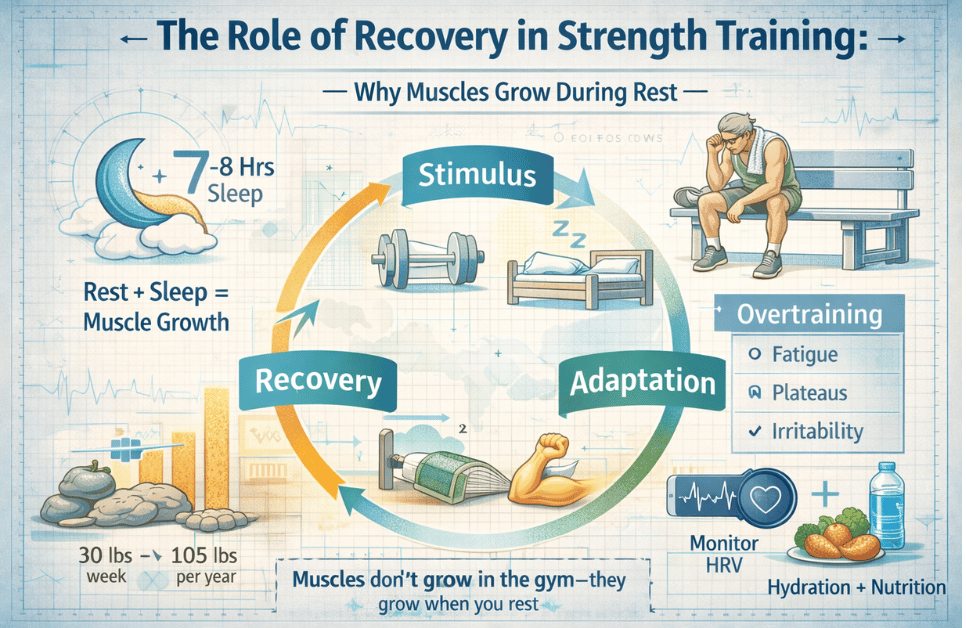
When you fail a lift, miss a run, or feel unmotivated, that’s not regression. It’s a mental adaptation phase. Resilience grows in the pauses between wins, not just during them.
3. A Short Story: The Bricklayer’s Lesson
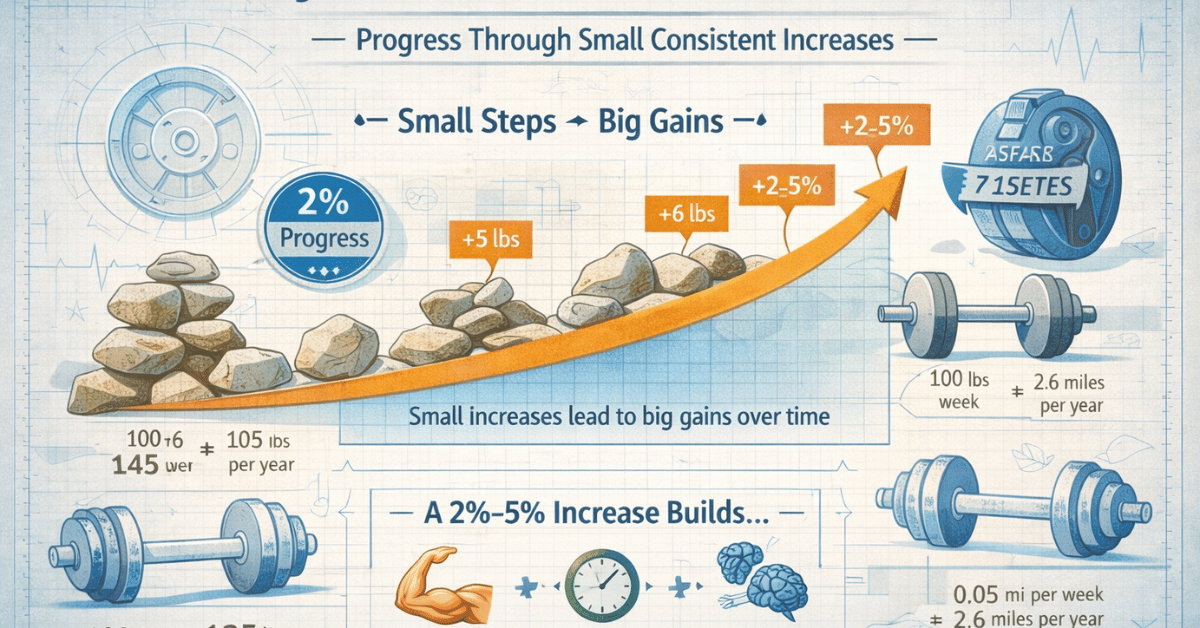
Imagine a bricklayer building a wall. Each brick feels insignificant, but one day, he looks back and sees a solid structure rising. Progress in training works the same way. You might not notice a change from one workout to the next, but the wall of resilience is forming with every “brick” of effort you lay down.
My Reflection
I ate more than usual yesterday and expected to gain some weight, and I did, about one pound. Interestingly, my muscle mass increased by about 0.4 pounds. That’s likely due to glycogen and water storage, helping my body prepare for the coming week. Although my overall goal is still weight loss, I’m being careful not to lose muscle mass in the process. My focus is on building it gradually and sustainably.
Next week, I plan to push myself harder in my workouts, especially since I haven’t been feeling much muscle soreness after leg days. I’ll concentrate more on glute training, my pants feel a bit looser, and it seems my butt has gotten smaller. Considering that I’ve only lost about 2–3 kg during this challenge, it’s clear that some of the loss has been fat, while I’ve gained lean muscle.
There’s a good reason I emphasize leg workouts: the legs contain roughly 70% of the body’s total muscle mass and play a crucial role in overall strength and brain-body connection. Training them effectively yields the greatest return on effort.
For the coming week, I’ll also commit to doing push-up sessions twice a week as my next training adjustment.
Biometric data
Change in Weight from Day 1: -2.8 lb.
Skeletal Muscle: 39.2 %
Muscle Mass: 94.6 lb.
Adjustment Ideas (Strategic Adjustment)
- Micro-Habit Upgrade: Before every workout, take 30 seconds to visualize finishing strong. This mental rehearsal boosts focus and reinforces confidence.
- Mindset Anchor: Create a 3-word mantra (e.g., “Strong, Steady, Consistent”) and repeat it when fatigue or doubt hits. This re-trains your brain to stay calm under stress.
- Recovery Awareness: Treat one rest day per week as mental training. Reflect on how you talk to yourself during recovery. Are you kind, impatient, or dismissive? Adjust that dialogue like you’d adjust your form.
Note
- Richard G. Cowden et al., “Mental Toughness in Competitive Tennis: Relationships with Resilience and Stress,” Frontiers in Psychology 7 (March 2016), https://doi.org/10.3389/fpsyg.2016.00320. ↩︎