Pie, Bar, and Book Nerd Bliss

Day 45 of 100 Days Coding Challenge: Python

I’m still tinkering with my book log program—not just because it’s part of my Python learning project, but because, let’s be honest, I want this thing to actually work. I mean, really work. As in “track-my-life’s-reading-habits-and-give-me-pretty-charts” work. Reading is sacred in my world, and keeping a log isn’t just a nerdy pastime—it’s a habit that brings me joy, perspective, and a little control over my chaos.

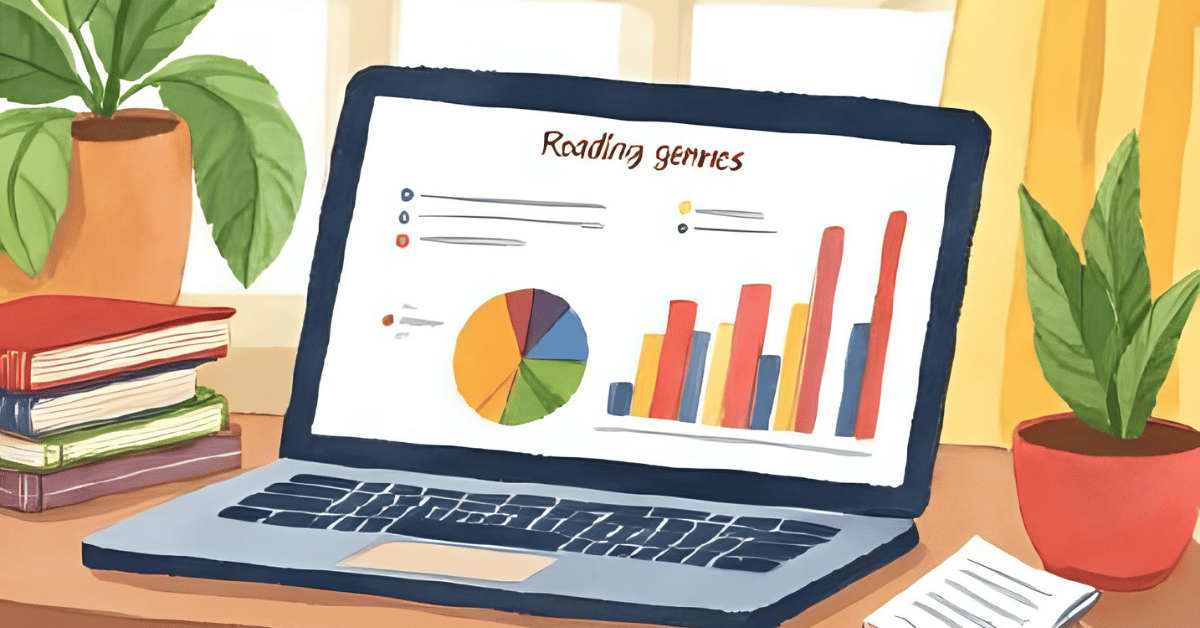
Today’s feature? I added a toggle so users (okay, me) can switch between a pie chart showing total genre distribution and a bar chart showing monthly genre patterns. Why? Because I read more Gothic and fantasy novels in October, and it’s satisfying to see that mood shift visualized. Also, toggles are cool. They make me feel like I’ve built a dashboard, not just a Python script.

Today’s Motivation / Challenge

Ever feel like you’ve built something, and it’s almost useful… but not quite delightful yet? That was me. So, today’s mission was simple: add a little UX sparkle. Let the user choose how to view their genre stats—like a buffet for data nerds. Pie or bar? Whichever suits the literary mood.

Purpose of the Code (Object)

This code adds a flexible summary feature to a book tracking app. It lets users choose between a pie chart showing the overall breakdown of genres they’ve read or a bar chart showing how many pages they read per genre by month. It’s a compact, practical way to visualize your reading habits—and yes, it’s way more fun than a spreadsheet.

AI Prompt:

“Add an option to toggle between a pie chart and a bar chart when viewing genre summaries in a Python book log app.”

Functions & Features

  • Add a book and track its genre, author, page count, and completion date
  • Import books from a CSV file
  • View a genre summary chart as either a pie or bar graph
  • Filter chart data by genre or month
  • See trends in pages read by month and genre

Requirements / Setup

pip install pandas matplotlib  

Minimal Code Sample

def show_genre_summary_chart():

    print(“Choose chart type:”)

    print(“1. Pie Chart (Overall Genre Distribution)”)

    print(“2. Bar Chart (Pages per Genre by Month)”)

    choice = input(“Enter 1 or 2: “).strip()

    if choice == “1”:

        plot_genre_pie_chart()

    elif choice == “2”:

        plot_progress()

    else:

        print(“Invalid choice.”)

This function lets the user decide how they want their genre stats served: sliced (pie) or stacked (bar).

Book Tracker

Notes / Lessons Learned

I’m getting much smoother with activating my virtual environment. Looking back, I can’t believe I fumbled so much with cd errors and typos just last week. Progress!

Today, even the smallest update required a little code renovation. First, I added a new function (show_genre_summary_chart) above the main() block. Then I gave the user a choice:

print(“Choose chart type:”)

print(“1. Pie Chart (Overall Genre Distribution)”)

print(“2. Bar Chart (Pages per Genre by Month)”)

Finally, I updated the main menu to replace the old genre graph option with this smarter version. It works like a charm.

Honestly, I’ve used so many apps over the years without fully appreciating what went into them. Now that I’ve written code that sort of behaves nicely, I’m grateful to all the developers who did this before the age of AI. I’ve got help, but they? They had raw logic, coffee, and probably a lot of bugs.

Optional Ideas for Expansion

  • Add a date filter for the pie chart (e.g., genre distribution by year or season)
  • Let users export the pie/bar charts as PNG files for their own book reports
  • Display top 3 most-read genres alongside the charts
Color Me Curious: Giving Genre Some Style

Day 43 of 100 Days Coding Challenge: Python

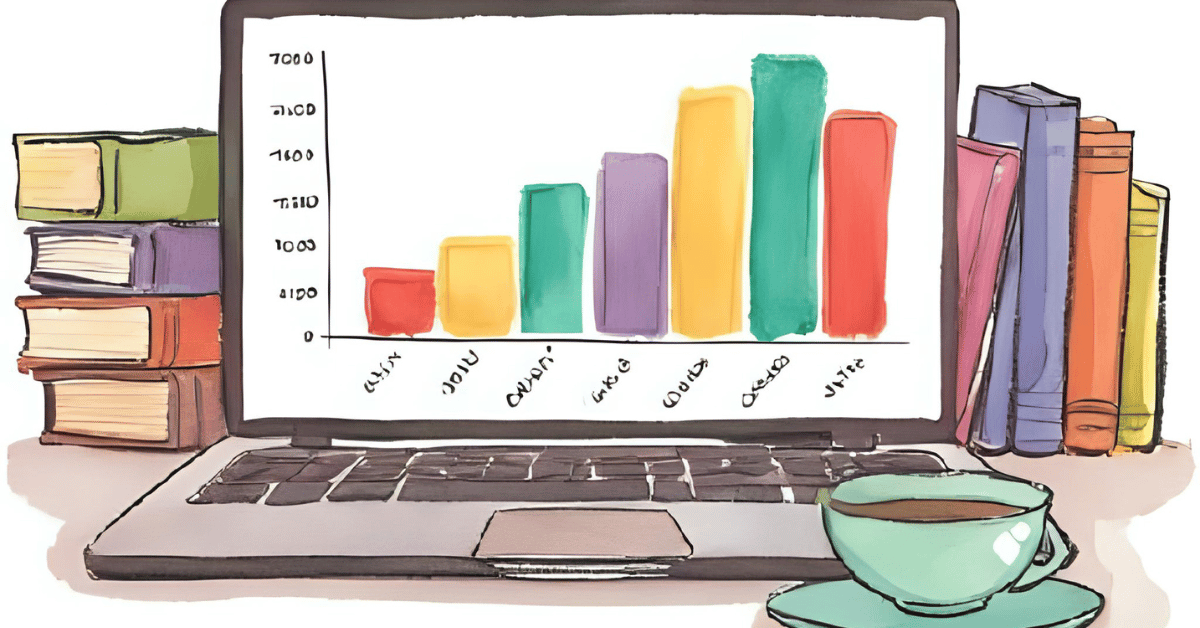
I kept tinkering with the tracker I built yesterday, chasing a dream—a dream of colors. Specifically, I wanted each book genre to appear in a different color in the graph from my Python book tracker genre visualization. That’s when I realized: my genre list was… how should I say it… ambitious. Turns out, tracking every tiny genre variation from “Science Memoir” to “Neo-Futurist Romance” makes the visualization look like a unicorn exploded on a bar chart.

To simplify, I added a new column for broader genres—less chaotic, more chart-friendly. My vision was to see a beautiful stacked histogram by genre color, but the code didn’t quite cooperate at first. It also made me realize something bigger: if I want this program to be truly useful, I’ll have to rethink how I track my books moving forward. Retroactively cleaning up all that old data? That’s a future-me problem. For now, this code is more about going forward than going backward.

Today’s Motivation / Challenge

If data is the new oil, then visualizing it is like turning that oil into fuel. Today’s challenge was about clarity—seeing reading habits at a glance. Colors help your brain grasp information faster, and genre-based colors are like putting your bookshelf on a rainbow diet. Also, it’s just more fun to look at.

Purpose of the Code (Object)

This program reads your book-tracking log and turns it into a visual chart, showing how many pages you’ve read each month. It highlights your genre diversity using color-coded bars, so you can instantly see if you’re stuck in a romance rut or finally diversifying your literary diet.

AI Prompt:

Add the existing Python code a color code for the following: Fantasy, Science Fiction….. History Fiction. 

Functions & Features

  • Add a new book to your reading log
  • Import books from another CSV file
  • List all books you’ve logged
  • Show a reading progress chart by month
  • Show a stacked genre-colored chart to compare reading trends

Requirements / Setup

You’ll need:

pip install pandas matplotlib

This code runs on Python 3.9+ (but most 3.x versions will do).

Minimal Code Sample

df[‘Genre’] = df[‘Genre’].str.strip().str.title()

df = df[df[‘Genre’].isin(GENRE_COLORS.keys())]

Standardize the genre format and filter out undefined genres so colors work correctly.

Book Tracker

Notes / Lessons Learned

Today, I had a brand new flavor of problem. You know the kind—where the code technically runs, but nothing happens? Turns out, I completely forgot to add:

if __name__ == “__main__”:

    main()

So the script just… stared at me, judging my oversight in silence. Classic rookie move.

But wait, there’s more. My bar chart decided that “colorful” meant “one color only.” Why? Because my genre strings were a mess—some had leading spaces, others were lowercase, and a few were practically jazz solos. After several rounds of trial and error (and a little sulking), I discovered this trick:

df[‘Genre’] = df[‘Genre’].str.strip().str.title()

instead of the other way around. And when I added this line to filter only the genres I’d actually assigned colors to:

df = df[df[‘Genre’].isin(GENRE_COLORS.keys())]

it finally worked. The chart bloomed into the colorful visualization I’d hoped for—like spring after debugging winter.

Optional Ideas for Expansion

  • Add a pie chart showing the overall genre distribution
  • Include a “favorite author” stat based on frequency
  • Let users define their own genre-color mappings in a config file

Charting Chapters and Chasing Genres With A Book Tracker App

Day 42 of 100 Days Coding Challenge: Python

Instead of starting a shiny new project file (and the inevitable spiral of new virtual environments), I decided to stick with yesterday’s book tracker and give it a little more love. Reading is one of my enduring passions—and also a data problem waiting to happen. Sure, I’ve used Excel for book logs, and I’ve even flirted with BI tools. But I want something more personal. More tailored. I want a program that doesn’t just track what I’ve read, but shows me how I’m reading.

The truth is, my reading speed shifts wildly. I can fly through The Hunger Games in a weekend, but with Ulysses, it feels like I’ve aged ten years by chapter three. Hemingway, despite his famously minimal style, still slows me down—not because of the vocabulary, but because of the silences between the lines. That kind of nuance doesn’t show up on a bar graph. But I want it to. I want to see the shape of my reading: genre shifts, reading slumps, maybe even gaps that whisper, “You never finished that biography, did you?” So today’s work is about evolving this project—bit by bit—into something that could actually help me change the way I read. I am going to make a Python book tracker with genre analysis.

Today’s Motivation / Challenge

This project matters because books shape who we are—and being able to map that influence with code feels like giving your brain a mirror. Today’s challenge is part introspection, part data design. How do you build a program that not only records what you read, but reveals patterns about you as a reader? That’s the kind of rabbit hole worth crawling into. Also, I finally fixed the bug that’s haunted me for days. Turns out it wasn’t a deep Python issue—it was just me calling .env instead of .venv. Classic user error.

Purpose of the Code (Object)

The script is designed to help you track your reading habits in a CSV-based log, with details like title, author, page count, genre, and the date you finished each book. It also lets you visualize your progress with bar charts and filter your reading by genre. And yes, now it can import data directly from a Notion-exported CSV file, so you’re not stuck entering everything manually like it’s 1994.

AI Prompt:

Improve a Python program that logs and visualizes books read, adds genre filtering, and supports importing from CSV. Ensure proper datetime handling for visualizations.

Functions & Features

  • Log books with title, author, pages, genre, and date
  • Import book data from a Notion-exported or custom CSV
  • Display reading progress by month
  • Filter and visualize reading stats by genre
  • Prevent duplicate entries using pandas

Requirements / Setup

  • Python 3.7+
  • Install these packages:

pip install pandas matplotlib

Minimal Code Sample

df = pd.read_csv(FILE_NAME)

df[‘Date Finished’] = pd.to_datetime(df[‘Date Finished’], errors=’coerce’)

df[‘Month’] = df[‘Date Finished’].dt.to_period(‘M’)

monthly_pages = df.groupby(‘Month’)[‘Pages’].sum()

monthly_pages.plot(kind=’bar’)

This reads your log, groups it by month, and shows how many pages you read each month.

Book Tracker App

Notes / Lessons Learned

A project like this isn’t just about writing code—it’s about designing your data. Today, I realized that if I want to categorize my books properly, I need to structure the genre field more carefully. “Science Fiction” could mean a dystopian classic or a wild space opera. So I’m thinking of building a two-level genre system: a broad Category for reporting (like Fiction or Memoir) and a Detailed Genre for personal insights (like Time Travel Romance or Existential Cyberpunk). This kind of structure is what we use in BI dashboards at work—it keeps the data tidy while allowing for nuance.

I also made peace with PowerShell today. The mysterious failure to activate my virtual environment? Yeah… I typed .env instead of .venv. It took three days, multiple Google searches, and a small existential crisis to realize I was chasing a typo. But hey, I’ll never forget it again.

Optional Ideas for Expansion

  • Create a two-tier genre system (Category + Subgenre)
  • Add a reading speed calculator (pages per day) based on start/end dates
  • Build a tag cloud of favorite authors or keywords