
Day 85 of 100 Days Coding Challenge: Python
I used to play a lot of strategy games, the kind where you spend three hours carefully planning your empire, only to have it crushed in ten minutes by a neighbor with more horses. Games like that teach you to watch how civilizations grow, stagnate, or collapse. You can almost predict who’s about to get steamrolled just by comparing their stats.
History works much the same way. Put two civilizations side by side—say, Rome and Han China—and you suddenly see why their stories diverged. Rome spent half its time fending off invasions, while the Han perfected bureaucracy. Compare Rome with the Maya, and the differences are even starker: isolation breeds innovation, but it also cuts you off from trade (and from borrowing your neighbor’s better swords).
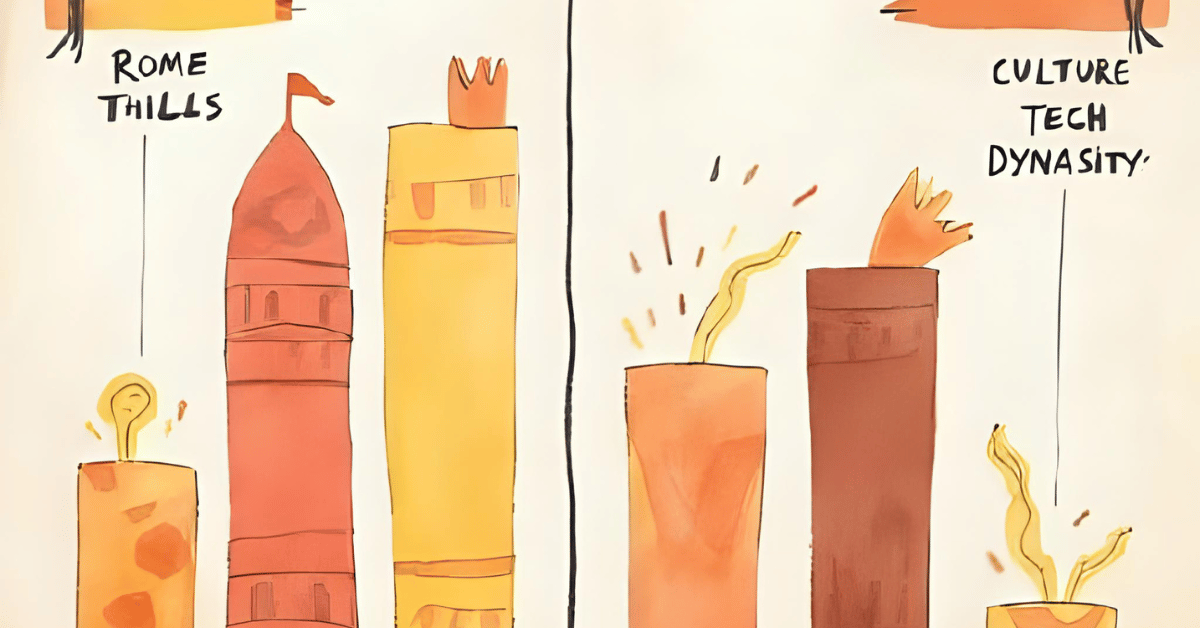
Today’s goal was to bring a little of that strategy-game flavor into the app: a simple two-column comparison page. Nothing fancy yet—just counts of notable events and a basic stacked chart. It’s like the “stats screen” in a game, only with fewer armies marching across your screen.
Today’s Motivation / Challenge
Why does this matter? Because looking at a single civilization is like reading only one diary entry—you need another perspective to see the bigger picture. Comparing two side by side makes it obvious who was busy inventing paper, who was busy conquering Gaul, and who probably should’ve spent less time building statues.
Purpose of the Code (Object)
The code creates a comparison page where you pick two civilizations and view their stats side by side. It counts events, groups them by type, and renders a stacked bar chart to visualize differences. The point isn’t to crown a winner—it’s to highlight how geography, culture, and timing shaped civilizations in very different ways.
AI Prompt
Please add the following function:
Two-column compare page with stats + stacked event-type chart.
✅ Accept: Rome vs Han page loads with counts & charts.
Functions & Features
- Two-column layout: each civilization gets its own stats.
- Count and display events by type (war, dynasty, tech, etc.).
- Render a stacked bar chart comparing event types.
- Default comparison: Roman Empire vs. Han Dynasty.
Requirements / Setup
You’ll need:
- Python 3.11
Installs:
pip install streamlit plotly
Minimal Code Sample
col1, col2 = st.columns(2)
for civ, col in zip([civ1, civ2], [col1, col2]):
counts = count_events(civ)
col.metric(“Total Events”, sum(counts.values()))
fig = px.bar(x=list(counts.keys()), y=list(counts.values()), title=civ.name)
col.plotly_chart(fig, use_container_width=True)
Each column shows event counts and a stacked bar chart for one civilization.
The Civilization Timeline Builder
Notes / Lessons Learned
Today I started by adding helpers: one to count event types for a civilization, another to build the comparison charts. The key was a simple checkbox that flips the app into “comparison mode.” Once checked, it renders two columns side by side with statistics and charts.
The defaults were Rome and Han, because if you’re going to compare civilizations, why not start with the classics? After some tweaking with tags, regions, and year ranges, everything fell into place. The best part? Watching the charts reveal subtle differences—Rome with its wars, Han with its bureaucratic cycles—like two old rivals showing off their report cards.
Optional Ideas for Expansion
- Add a “random matchup” button (Maya vs. Vikings? Why not).
- Include percentage comparisons (e.g., 40% wars vs. 10% tech).
- Allow exporting comparison results as a snapshot image for presentations or study notes.